
How to Automate Bitcoin Trading on MT5: A Complete Guide
Learn how automated Bitcoin trading works on MetaTrader 5, how Expert Advisors execute trading strategies, and what to consider when choosing an MT5 Bitcoin trading bot.

Bitcoin markets operate around the clock, making it difficult for traders to monitor every price movement and trading opportunity manually. MetaTrader 5 (MT5) offers an alternative through automated trading with Expert Advisors (EAs).
In this guide, we explain how automated Bitcoin trading on MT5 works, what you need to get started, how to manage risk, and what to consider before running an automated trading system.
What Is Automated Bitcoin Trading?
Automated Bitcoin trading uses software to monitor market conditions and execute trading actions according to predefined rules.
Instead of manually watching charts and placing every order yourself, an automated system can analyze market data and respond when its programmed trading conditions are met.
On MetaTrader 5, these automated programs are commonly known as Expert Advisors.
An EA can be designed to perform tasks such as:
- Monitoring Bitcoin price movements
- Identifying predefined trading conditions
- Opening and managing trades
- Applying stop-loss and take-profit rules
- Managing position sizes
- Monitoring risk limits
- Closing positions when specific conditions are reached
Automation does not guarantee profitable trades. Market conditions can change rapidly, so risk management and proper testing remain important.
Why Use MetaTrader 5 for Bitcoin Trading Automation?
MetaTrader 5 is a widely used trading platform that supports algorithmic trading through Expert Advisors.
Depending on your broker and account, MT5 may provide access to Bitcoin or other cryptocurrency-based instruments alongside forex, metals, indices, and other markets.
For automated trading, MT5 provides several useful capabilities.
Expert Advisor Support
MT5 allows compatible Expert Advisors to run directly on a trading chart. Once configured correctly, an EA can continuously evaluate market information according to its programmed strategy.
Strategy Testing
The MT5 Strategy Tester allows traders to evaluate an EA using historical market data.
Backtesting can help you understand how a strategy behaved under previous market conditions, although historical results do not guarantee future performance.
Risk Controls
An automated strategy can include predefined rules for position sizing, stop losses, trade management, maximum exposure, and other risk controls.
Continuous Operation
When MT5 is running continuously on a reliable computer or VPS, an EA can monitor the market without requiring the trader to remain in front of the screen.
What Do You Need to Automate Bitcoin Trading on MT5?
A basic automated MT5 setup normally requires several components.
1. MetaTrader 5
Install MetaTrader 5 and log in to a compatible trading account.
2. A Broker Offering a Bitcoin Instrument
The exact Bitcoin symbol can vary between brokers. For example, one broker may use BTCUSD while another may use a variation of that symbol.
Always confirm that the automated system you intend to use is compatible with your broker's Bitcoin instrument and trading conditions.
3. An MT5 Expert Advisor
The Expert Advisor contains the trading logic.
Different EAs may use different approaches, including trend analysis, market structure, momentum, volatility, or combinations of multiple trading conditions.
4. A Stable Trading Environment
Automated systems depend on MT5 remaining connected and operational.
If your computer is turned off, loses internet access, or MT5 closes unexpectedly, the EA may no longer be able to monitor or manage trades.
For traders who require continuous operation, a VPS can provide a more consistent environment.
How to Set Up Automated Bitcoin Trading on MT5
The exact installation process depends on the EA, but the general workflow is straightforward.
Step 1: Install MetaTrader 5
Download MT5 from your broker or another appropriate official source and complete the installation.
Log in to the trading account you intend to use.
Step 2: Confirm the Bitcoin Symbol
Open Market Watch and locate the Bitcoin instrument provided by your broker.
Check its symbol name, contract specifications, trading hours, spread, and other relevant conditions.
Step 3: Install Your Expert Advisor
Install the EA according to the instructions supplied with the software.
After installation, restart or refresh MT5 if required so the Expert Advisor appears in the Navigator panel.
Step 4: Attach the EA to the Correct Chart
Open the appropriate Bitcoin chart and timeframe, then attach the Expert Advisor.
Review its settings before enabling automated trading.
Step 5: Configure Risk Settings
Do not simply select the highest possible risk.
Review available settings such as:
- Position size
- Risk level
- Maximum open positions
- Stop-loss behavior
- Drawdown controls
- Trading sessions
- Strategy-specific parameters
The available options depend on the particular EA.
Step 6: Enable Algorithmic Trading
Make sure algorithmic trading is enabled in MT5 and that the EA has the permissions it requires to operate.
Monitor the platform after activation to confirm that the EA is running correctly.
Test on a Demo Account First
Before considering live trading, using a demo account can help you understand how an automated system behaves.
A demo environment gives you an opportunity to check:
- Whether the EA installs correctly
- Whether it recognizes your broker's Bitcoin symbol
- How frequently it trades
- How positions are managed
- Whether risk settings behave as expected
- Whether MT5 remains connected and stable
Backtesting and demo testing are useful evaluation tools, but neither can guarantee future results.
Understanding Risk in Automated Bitcoin Trading
Automation removes some manual tasks, but it does not remove market risk.
Bitcoin can experience significant volatility, and an automated strategy can encounter market conditions that differ from those used during its development or testing.
Several risk-management principles are worth considering.
Avoid Excessive Position Sizes
Increasing position size can increase both potential gains and potential losses. Risk settings should be appropriate for the account and strategy being used.
Monitor Drawdown
Drawdown measures the decline in account value from a previous peak.
A trading system should be evaluated not only by potential returns but also by how much risk it takes during unfavorable periods.
Understand Multiple-Position Behavior
Some automated strategies may allow more than one position at a time.
Before using such a system, understand when additional positions can be opened and what limits are in place.
Continue Monitoring the System
Automated does not mean unattended forever.
Periodically check MT5, account activity, connectivity, EA status, and trading conditions.
Using a VPS for MT5 Automation
A Virtual Private Server can keep MetaTrader 5 running independently of your personal computer.
This can be useful when an EA is intended to monitor markets continuously.
When selecting a VPS, consider:
- Reliability and uptime
- Stable internet connectivity
- Adequate system resources
- Location and network latency
- Security
- Compatibility with MT5
A VPS does not improve a trading strategy by itself. Its purpose is primarily to provide a stable environment for the trading platform.
Choosing a Bitcoin Trading Bot for MT5
Before selecting an automated trading system, look beyond marketing claims.
Consider whether the software provides:
- Clear installation instructions
- Defined risk controls
- Configurable trading settings
- MT5 compatibility
- Demo-testing capability
- Trade-management rules
- Licensing and support information
- A clear explanation of how the system is intended to operate
Avoid assuming that past results or backtests guarantee future performance.
BTC Harvester for MetaTrader 5
ZU Trader's BTC Harvester is an automated Bitcoin trading bot designed for MetaTrader 5.
It combines multiple trading engines with configurable risk controls and is designed to automate Bitcoin market monitoring and trade management according to its programmed strategy.
If you want to explore its features, licensing options, and system details, visit the BTC Harvester – Automated Bitcoin Trading Bot for MT5 product page.
Automated Trading vs Manual Trading
Manual trading gives the trader direct control over each decision, while automated trading allows predefined logic to handle repetitive market monitoring and execution tasks.
Neither approach is automatically better.
The appropriate choice depends on factors such as:
- Trading experience
- Strategy
- Risk tolerance
- Available time
- Technical knowledge
- Preference for manual or rule-based execution
Some traders may also combine automated tools with manual account supervision.
Final Thoughts
Automating Bitcoin trading on MT5 can reduce the need to continuously monitor charts and manually execute every trading action.
A successful technical setup requires more than simply installing an EA. Traders should understand their broker's Bitcoin instrument, configure risk carefully, test the system, maintain a reliable MT5 environment, and continue monitoring account activity.
If you are exploring an automated solution built specifically for Bitcoin on MetaTrader 5, you can learn more about BTC Harvester.
Always remember that automated trading involves financial risk. No Expert Advisor or trading strategy can guarantee profits or eliminate the possibility of losses.
Related Articles
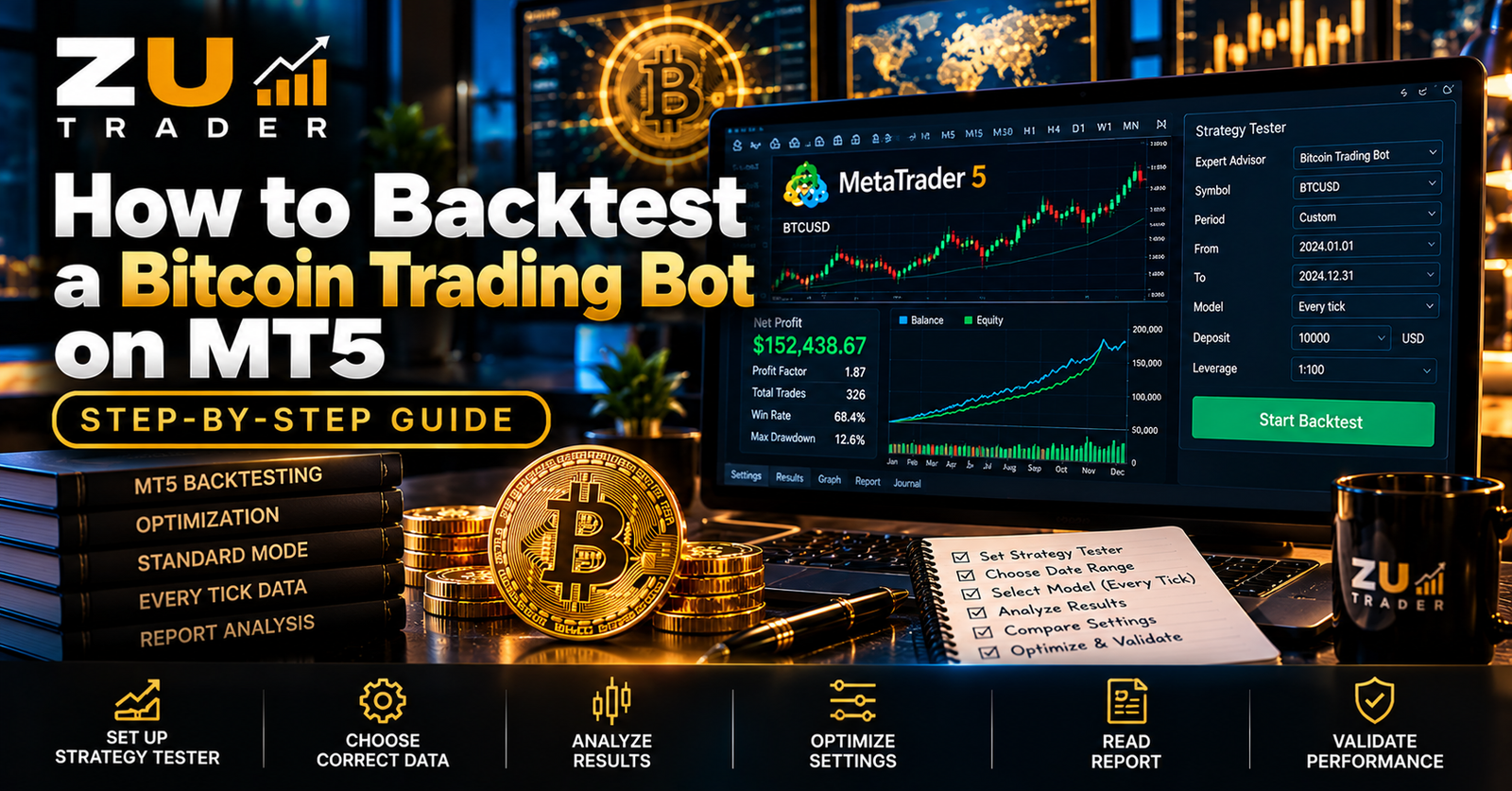
How to Backtest a Bitcoin Trading Bot on MT5: Step-by-Step Guide
Learn how to backtest a Bitcoin trading bot on MetaTrader 5 using the Strategy Tester, evaluate drawdown and profit factor, compare settings, and avoid common backtesting mistakes.
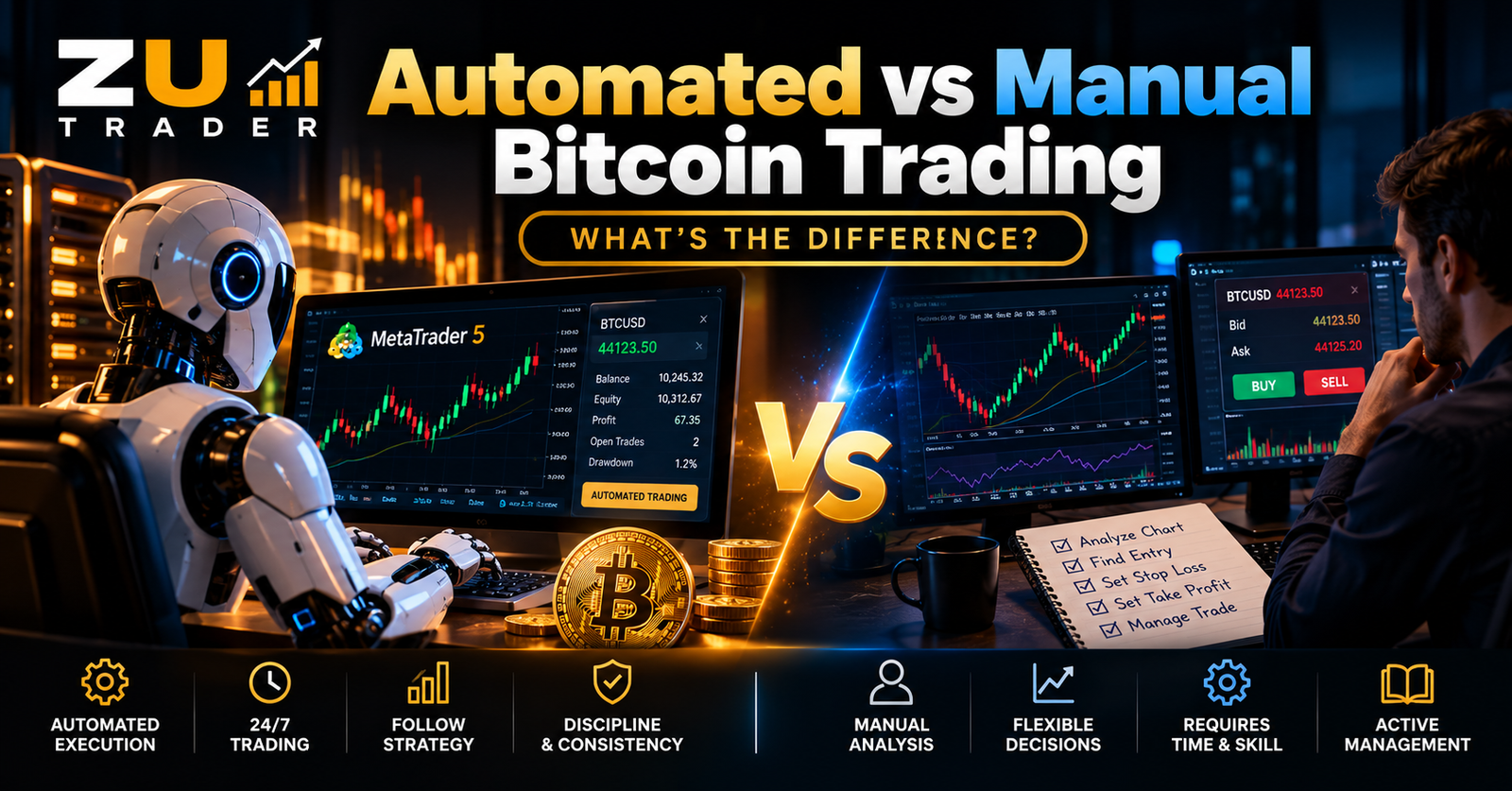
Automated vs Manual Bitcoin Trading: What’s the Difference?
Compare automated and manual Bitcoin trading, including how each approach handles market analysis, trade execution, risk management, time commitment, consistency, and MT5 trading.
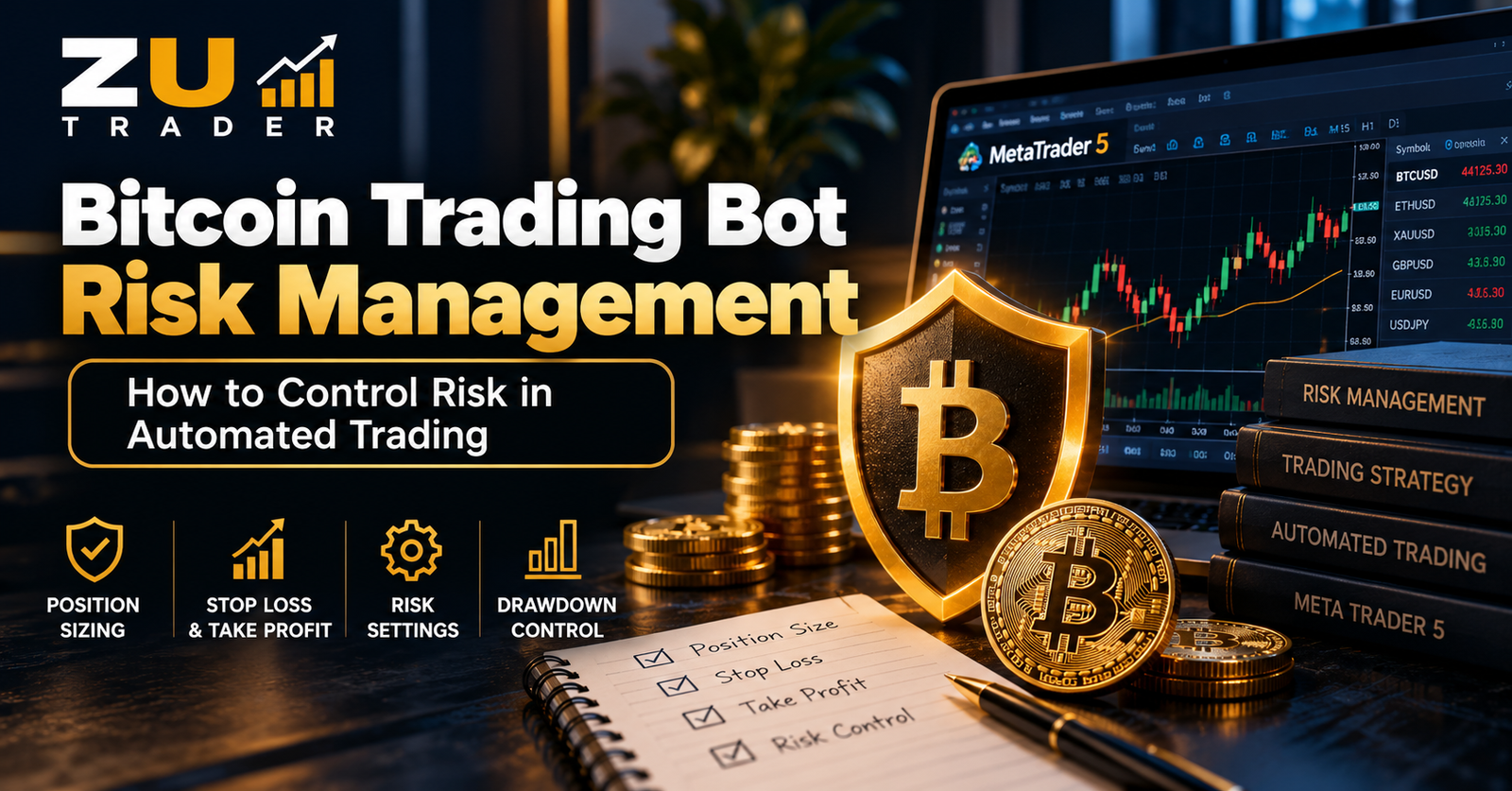
Bitcoin Trading Bot Risk Management: How to Control Risk in Automated Trading
Learn how risk management works in automated Bitcoin trading, including position sizing, drawdown control, stop-loss planning, exposure limits, and safer MT5 Expert Advisor testing.