
How to Backtest a Bitcoin Trading Bot on MT5: Step-by-Step Guide
Learn how to backtest a Bitcoin trading bot on MetaTrader 5 using the Strategy Tester, evaluate drawdown and profit factor, compare settings, and avoid common backtesting mistakes.
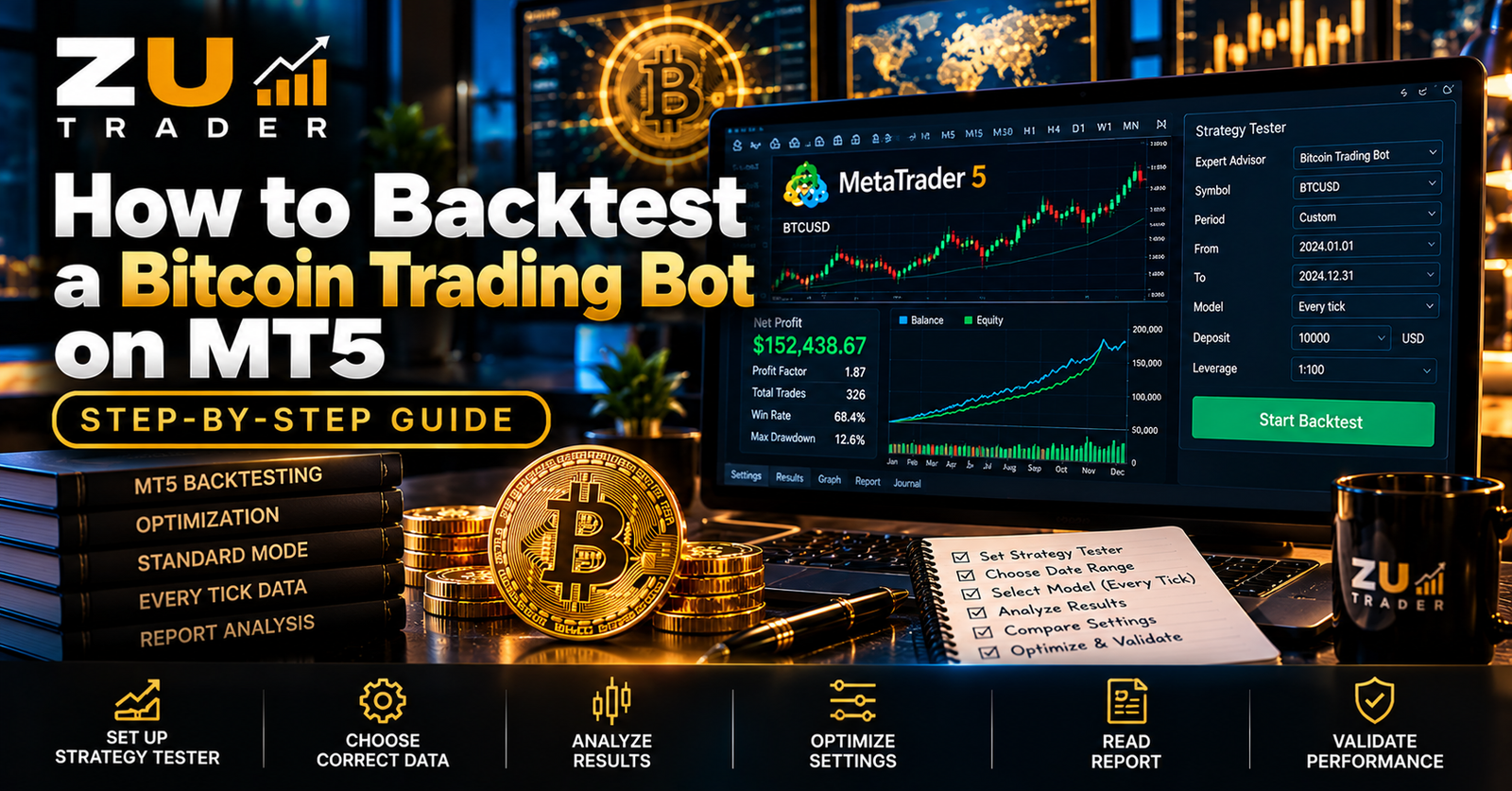
Backtesting is one of the most useful tools for evaluating an automated Bitcoin trading strategy before observing it in current market conditions.
MetaTrader 5 includes a built-in Strategy Tester that allows compatible Expert Advisors to be tested against historical market data.
A backtest can help show how an EA behaved during a selected historical period, including its trades, drawdown, profit factor, balance changes, and other statistics.
However, a backtest is an evaluation tool — not a prediction of future profits.
This guide explains how to backtest a Bitcoin trading bot on MT5 and how to interpret the results more carefully.
What Is Backtesting?
Backtesting applies a trading strategy to historical market data.
Instead of waiting months to observe a strategy in real time, historical testing can simulate how its programmed rules would have responded to previous price movements under the test assumptions.
For an MT5 Expert Advisor, a backtest can provide information such as:
- Number of trades
- Winning and losing trades
- Net result
- Profit factor
- Drawdown
- Average trade
- Largest winning trade
- Largest losing trade
- Balance progression
- Equity behavior
These statistics can help evaluate historical strategy behavior.
Why Backtest a Bitcoin Trading Bot?
Bitcoin can experience very different market environments.
A strategy may encounter:
- Strong upward trends
- Strong downward trends
- Sideways markets
- Higher volatility
- Lower volatility
- Rapid price movements
Testing across historical periods can help show how an automated strategy responded to different conditions.
Backtesting can also help identify configuration problems before further testing.
Step 1: Open MetaTrader 5
Start MetaTrader 5 and confirm that the platform is operating correctly.
Make sure the required Bitcoin instrument is available.
Depending on the broker, the symbol might be:
- BTCUSD
- BTCUSDm
- BTCUSD.
- Another broker-specific variation
Use the instrument compatible with the Expert Advisor and broker environment.
Step 2: Open the Strategy Tester
MetaTrader 5 includes a Strategy Tester for compatible automated strategies.
Open the Strategy Tester and select the Expert Advisor you want to evaluate.
The exact interface can vary slightly depending on the MT5 build, but the main testing options generally allow you to select the EA, symbol, timeframe, historical period, and testing parameters.
Step 3: Select the Expert Advisor
Choose the Bitcoin Expert Advisor that will be tested.
Before beginning, confirm the correct EA version.
This matters because strategy logic can change between software versions.
When comparing multiple tests, record the exact version used so that results are not accidentally attributed to a different build.
Step 4: Select the Correct Bitcoin Symbol
Choose the Bitcoin instrument provided by the broker.
Do not assume that tests using different broker symbols are directly comparable.
Contract specifications and available historical data can differ.
Check the instrument carefully before starting the test.
Step 5: Select the Intended Timeframe
Choose the timeframe required by the strategy.
Possible MT5 timeframes include:
- M1
- M5
- M15
- M30
- H1
- H4
- D1
If the EA was designed for a specific timeframe, begin with that intended configuration.
Changing the timeframe can significantly alter strategy behavior.
Step 6: Choose a Historical Test Period
The selected historical period can have a major effect on results.
A very short test may represent only one type of market environment.
A broader period may include a greater variety of conditions.
When evaluating a strategy, consider whether the selected period includes different types of Bitcoin price behavior rather than only a particularly favorable section of history.
Step 7: Review Initial Deposit and Account Settings
Strategy Tester settings can include account-related assumptions such as the starting deposit.
Use consistent settings when comparing tests.
For example, if two configurations are being compared, changing both the strategy parameters and the starting account conditions can make the comparison harder to interpret.
Consistency helps make test results easier to evaluate.
Step 8: Select Appropriate Testing Quality
MT5 provides different testing approaches depending on the EA and available historical data.
More detailed simulation can require more processing time.
The appropriate testing mode depends on how the strategy operates.
For strategies sensitive to intrabar price movement, testing quality can materially affect the result.
Avoid assuming that every testing mode will produce identical outcomes.
Step 9: Review the EA Inputs
Before starting the test, review the Expert Advisor's configurable inputs.
These may include:
- Position size
- Risk settings
- Maximum positions
- Stop-loss parameters
- Take-profit parameters
- Trading sessions
- Strategy options
- Entry restrictions
Record the configuration being tested.
Without this information, reproducing or comparing the result later can become difficult.
Step 10: Run the Backtest
Start the Strategy Tester and allow the test to complete.
Depending on the amount of historical data, testing method, strategy complexity, and computer resources, some tests may take longer than others.
Avoid changing the test configuration midway through a comparison.
How to Read MT5 Backtest Results
After the test completes, do not look only at the final profit.
Several measurements can provide useful context.
Net Result
The net result shows the overall historical outcome of the test after the simulated trading activity included in the report.
It is useful, but it should not be evaluated alone.
Profit Factor
Profit factor compares gross profit with gross loss.
It can provide additional information about the relationship between profitable and losing trades in the historical test.
A single metric should still not be used as proof that a strategy will perform similarly in future markets.
Total Trades
The number of trades helps provide context.
A result based on relatively few trades may represent a smaller sample than a strategy evaluated across many historical trades.
Trade count should be considered alongside the duration and nature of the strategy.
Win Rate
Win rate represents the percentage of historical trades that closed as winners.
A higher win rate does not automatically mean a better strategy.
A system can have many small wins and occasional larger losses.
Another system may have fewer winning trades but larger average wins.
For this reason, win rate should be considered alongside average wins, average losses, drawdown, and other statistics.
Maximum Drawdown
Drawdown is one of the most important risk measurements to review.
It helps show how far the strategy declined from a previous peak during the historical test.
A strategy producing strong historical returns while experiencing extremely large drawdown may have a very different risk profile from one producing more moderate results with lower drawdown.
For more information, read our Bitcoin Trading Bot Risk Management Guide.
Largest Losing Trade
Reviewing the largest historical loss can help identify whether individual trades created unusually large account changes.
This is particularly useful when evaluating strategies that can open multiple positions or use variable position sizes.
Average Win and Average Loss
Comparing average winning and losing trades can provide additional context beyond win rate.
These values help explain how the strategy's historical winners and losers relate to each other.
Balance vs Equity
Balance and equity can tell different parts of the story.
Balance generally reflects closed trading results, while equity can also reflect the value of open positions.
A smooth-looking balance curve does not necessarily mean the strategy experienced no significant floating exposure.
Where available, examine both.
Compare Tests Using the Same Baseline
When comparing two EA configurations, keep important test conditions consistent.
Try to use the same:
- Symbol
- Historical period
- Timeframe
- Starting deposit
- Testing method
- Broker data environment
Then change the specific parameter you want to evaluate.
This makes differences between tests easier to interpret.
Avoid Optimizing Only for Maximum Profit
It can be tempting to keep changing settings until the Strategy Tester produces the highest possible historical profit.
This can lead to over-optimization.
A configuration can become excessively fitted to a specific historical period rather than representing robust behavior across changing conditions.
Evaluate risk measurements and consistency, not only the highest final balance.
Test Across Different Market Conditions
A stronger evaluation can include more than one historical environment.
For example, consider how the strategy behaved during:
- Trending periods
- Sideways periods
- Higher-volatility periods
- Lower-volatility periods
The objective is not to find a period where the EA looks perfect.
The objective is to understand how its behavior changes.
What Is Overfitting?
Overfitting occurs when a strategy or configuration becomes too closely matched to historical data.
A highly optimized historical result can look impressive while failing to behave similarly when market conditions change.
Warning signs can include repeatedly adjusting parameters specifically to eliminate historical losses or maximize one particular test period.
Historical perfection should not be confused with future reliability.
Backtesting vs Demo Testing
Backtesting and demo testing serve different purposes.
Backtesting evaluates programmed strategy behavior using historical data.
Demo testing allows the EA to operate with current market information in a simulated account environment.
Using both can provide different types of information.
A practical evaluation process may involve:
- Backtesting the baseline configuration.
- Reviewing risk and performance statistics.
- Comparing carefully selected configuration changes.
- Running the chosen configuration on demo.
- Monitoring current behavior.
Demo results also do not guarantee live performance.
Backtesting and VPS Usage
A VPS is generally more relevant to continuous operation than historical backtesting.
Once an EA moves into ongoing demo or other permitted operational testing, a VPS can help keep MetaTrader 5 available for extended periods.
See our MT5 VPS Setup Guide for Automated Trading.
Understand the Expert Advisor Before Testing
Backtest statistics are easier to interpret when you understand what the EA is designed to do.
For example, determine whether the strategy:
- Uses one or multiple trading engines
- Allows multiple positions
- Uses fixed or dynamic position sizing
- Restricts trading sessions
- Uses predefined exit logic
Our guide How Expert Advisors Work on MetaTrader 5 explains the fundamentals of EA operation.
Backtesting BTC Harvester
BTC Harvester is ZU Trader's automated Bitcoin trading system for MetaTrader 5.
When evaluating BTC Harvester or another compatible Bitcoin EA, use consistent test conditions and examine both performance and risk statistics.
Avoid treating a single historical test as a guarantee of future results.
You can learn more about the software and its available licensing options on the BTC Harvester – Automated Bitcoin Trading Bot for MT5 page.
Bitcoin EA Backtesting Checklist
Before comparing a backtest, record:
- EA name and version.
- Bitcoin symbol.
- Broker or data environment.
- Timeframe.
- Test start and end dates.
- Starting deposit.
- Testing method.
- EA input settings.
- Net result.
- Profit factor.
- Total trades.
- Win rate.
- Maximum drawdown.
- Largest loss.
- Average win and loss.
Keeping these values consistent makes future comparisons easier.
Common Backtesting Mistakes
Avoid common mistakes such as:
- Testing only one favorable market period
- Comparing tests with different baselines
- Looking only at net profit
- Ignoring drawdown
- Ignoring large individual losses
- Changing many settings simultaneously
- Over-optimizing historical data
- Assuming backtests predict future performance
- Forgetting to record the EA version and configuration
Backtesting is most useful when it is treated as structured analysis rather than a search for the biggest historical number.
Final Thoughts
MetaTrader 5's Strategy Tester provides a useful environment for evaluating how a Bitcoin Expert Advisor behaved against historical market data.
A useful backtest should consider much more than profit.
Drawdown, profit factor, total trades, win rate, average wins and losses, individual large losses, equity behavior, and configuration consistency can all provide valuable context.
Backtesting can help identify strengths, weaknesses, and configuration differences, but historical performance cannot guarantee future results.
Use testing as part of a broader evaluation process that also includes risk management, careful configuration, and appropriate current-market observation.
Related Articles
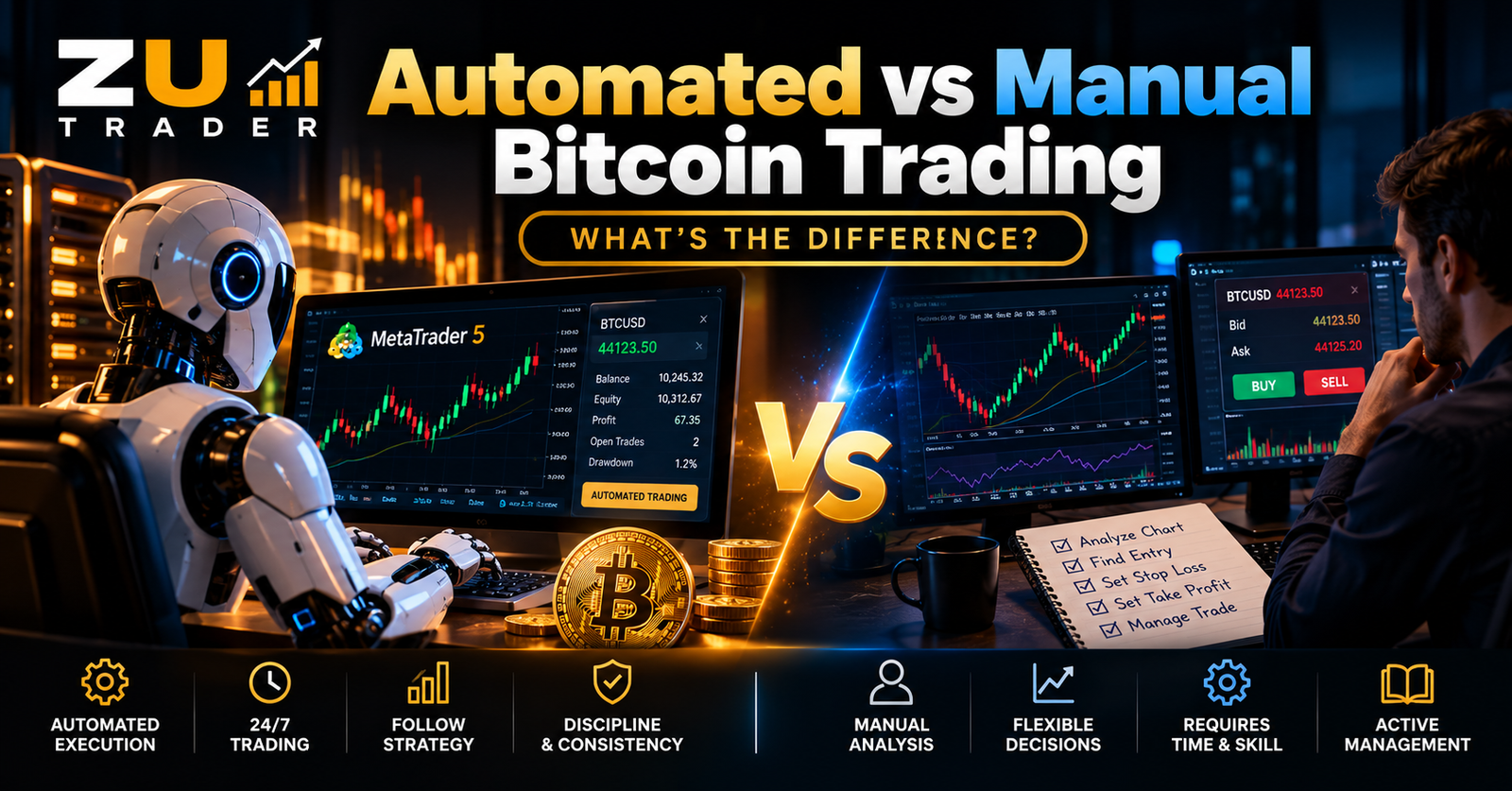
Automated vs Manual Bitcoin Trading: What’s the Difference?
Compare automated and manual Bitcoin trading, including how each approach handles market analysis, trade execution, risk management, time commitment, consistency, and MT5 trading.

Bitcoin Trading Bot Risk Management: How to Control Risk in Automated Trading
Learn how risk management works in automated Bitcoin trading, including position sizing, drawdown control, stop-loss planning, exposure limits, and safer MT5 Expert Advisor testing.

How to Automate Bitcoin Trading on MT5: A Complete Guide
Learn how automated Bitcoin trading works on MetaTrader 5, how Expert Advisors execute trading strategies, and what to consider when choosing an MT5 Bitcoin trading bot.