
Best MT5 Settings for Gold Trading: How to Configure a Gold EA
Learn how to configure MT5 settings for automated Gold trading, including timeframe selection, position sizing, risk controls, trading sessions, backtesting, and Gold EA optimization.
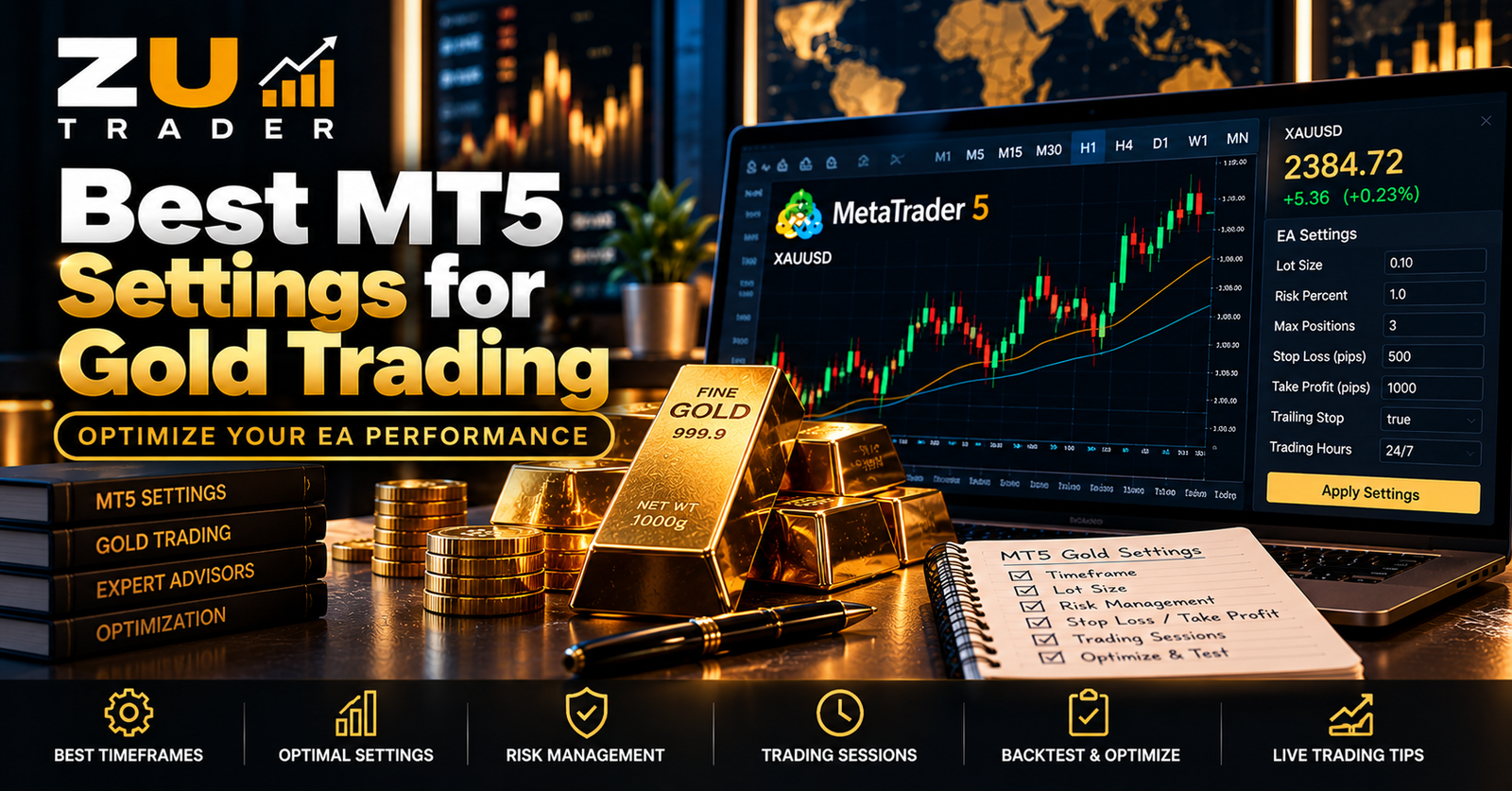
Configuring an Expert Advisor correctly is an important part of automated Gold trading on MetaTrader 5.
There is no single MT5 configuration that can be considered the "best" for every Gold trading strategy. Different Expert Advisors use different trading logic, brokers offer different XAUUSD specifications, and account conditions can vary significantly.
Instead of searching for one universal setting, it is more useful to understand what the main EA settings do and how they affect an automated Gold trading system.
This guide explains the key settings to review when configuring a Gold EA on MetaTrader 5.
Why Gold EA Settings Matter
An Expert Advisor follows programmed rules, but user-configurable settings can influence how those rules are applied.
Depending on the EA, settings may control:
- Position size
- Risk level
- Maximum open positions
- Trading timeframe
- Trading sessions
- Stop-loss behavior
- Take-profit behavior
- Trailing stops
- Entry restrictions
- Strategy parameters
Changing these values can significantly alter the behavior and risk profile of an automated system.
For this reason, settings should be understood and tested rather than selected only because they produced an attractive result during one historical period.
1. Confirm the Correct Gold Symbol
Before adjusting strategy settings, make sure MetaTrader 5 is using the correct Gold instrument.
Gold is commonly displayed as XAUUSD, but brokers can use variations such as:
- XAUUSD
- XAUUSDm
- XAUUSD.
- GOLD
- Other broker-specific names
Contract specifications can also differ.
An EA should be compatible with the instrument offered by the broker.
If you are setting up Gold automation for the first time, read our How to Automate Gold Trading on MT5 guide.
2. Choose the Intended Timeframe
Expert Advisors can be designed around specific chart timeframes.
Common MT5 timeframes include:
- M1
- M5
- M15
- M30
- H1
- H4
- D1
A shorter timeframe does not automatically produce better performance, and a longer timeframe is not automatically safer.
The appropriate timeframe depends on the strategy.
If the EA documentation specifies a particular timeframe, use the intended configuration unless you are deliberately testing an alternative.
3. Understand Position Size
Position size is one of the most important settings because it directly affects market exposure.
Some EAs allow a fixed lot size.
Others may use a configurable risk model.
Before selecting a value, determine:
- Whether lot size is fixed or dynamic
- Whether multiple positions can be opened
- Whether position size changes after previous trades
- Whether the EA has a maximum position-size limit
Avoid choosing a position size simply because a larger value produces larger historical profits.
Larger exposure can also produce larger losses.
4. Review Risk Settings
Some automated systems provide a general risk setting rather than requiring users to configure every trade parameter individually.
Before changing such a setting, understand what it controls.
A risk parameter may affect:
- Position size
- Number of positions
- Entry behavior
- Exposure
- Trade-management rules
The exact meaning varies between Expert Advisors.
Never assume that a setting called "Low," "Medium," or "High" has the same meaning across different trading systems.
5. Set Maximum Position Limits Carefully
If an EA can open several positions, maximum open positions can have a major effect on total exposure.
For example, a small individual position may appear conservative, but several simultaneous positions can collectively create much greater exposure.
Check:
- Maximum positions
- Conditions for additional entries
- Whether positions can be added during unfavorable movement
- Whether all positions can be in the same direction
Evaluate the strategy as a complete portfolio of open positions rather than focusing only on the first entry.
6. Understand Stop-Loss Settings
A Gold EA may use different methods for managing losing positions.
Possible approaches include:
- Fixed stop loss
- Dynamic stop loss
- Strategy-based exit
- Trailing stop
- Break-even logic
- Time-based exit
Do not change stop-loss settings without understanding how they interact with the underlying strategy.
An extremely tight stop can change trade behavior, while an excessively wide loss limit can increase exposure.
There is no universal stop-loss value suitable for every Gold EA.
7. Review Take-Profit Logic
Take-profit behavior determines how a strategy attempts to close profitable positions.
Depending on the system, this might involve:
- Fixed targets
- Dynamic targets
- Trailing logic
- Strategy-based exits
- Partial position management
A larger profit target is not automatically better.
Changing an exit target can affect trade duration, win rate, average profit, and overall strategy behavior.
8. Understand Trailing Stops
A trailing stop is designed to adjust an exit level as price moves according to predefined rules.
Some strategies use trailing stops while others do not.
If the EA provides this option, understand:
- When trailing begins
- How frequently it adjusts
- Whether it interacts with other exit rules
Do not enable features simply because they sound useful. They should fit the strategy being tested.
9. Consider Trading Sessions
Some Expert Advisors allow trading during selected periods.
Gold market behavior can vary during different parts of the trading day.
A strategy might therefore include time-based restrictions.
Before changing trading sessions, determine whether those restrictions are part of the intended strategy.
Removing them may cause the EA to trade under market conditions it was not designed to target.
10. Understand Spread and Broker Conditions
Broker conditions can affect automated trading.
Relevant factors can include:
- Spread
- Contract size
- Minimum position size
- Trading hours
- Execution conditions
- Symbol specifications
Two accounts running similar settings can experience different execution conditions.
This is another reason there is no universal "best" configuration for every MT5 Gold setup.
11. Use Backtesting to Compare Settings
MetaTrader 5 includes a Strategy Tester that can help compare different configurations using historical data.
Instead of changing many parameters simultaneously, consider testing controlled variations.
Compare metrics such as:
- Net result
- Maximum drawdown
- Profit factor
- Total trades
- Largest loss
- Average win
- Average loss
- Consecutive losses
The objective is not simply to identify the test with the largest final balance.
Risk and consistency also matter.
Historical results cannot guarantee future performance.
12. Avoid Over-Optimization
One potential problem when testing many settings is over-optimization.
If parameters are repeatedly adjusted until they perfectly match one historical period, the resulting configuration may be overly dependent on that particular data.
A configuration that looks excellent during one historical period may behave very differently under new market conditions.
Testing across different periods can provide a broader view of strategy behavior.
13. Test on a Demo Account
After historical testing, a demo environment can help evaluate how the configuration behaves with current market data.
Demo testing can help verify:
- Trading frequency
- Position sizing
- Entry behavior
- Exit behavior
- Additional-position logic
- Platform stability
- Broker compatibility
Demo results still cannot guarantee live performance, but they can provide useful information about the technical setup.
14. Monitor Drawdown
Do not judge settings only by how much profit they generated during testing.
Drawdown provides important information about risk.
Compare how different configurations affect:
- Maximum drawdown
- Largest losses
- Consecutive losses
- Total exposure
A configuration producing higher historical returns while taking dramatically more risk may not necessarily represent a better balance.
Read our Gold Trading Risk Management Guide for a more detailed discussion.
15. Change One Major Setting at a Time
When evaluating configurations, changing many parameters simultaneously can make it difficult to understand which adjustment caused the difference.
A more structured testing process is easier to evaluate.
For example:
- Establish a baseline configuration.
- Record its results.
- Change one important parameter.
- Run the same test period.
- Compare the results.
- Document the difference.
This does not guarantee that a setting will work in future markets, but it makes testing easier to interpret.
16. Keep a Record of Configurations
When experimenting with EA settings, maintain a record of what was tested.
Useful information can include:
- EA version
- Symbol
- Timeframe
- Test period
- Position-size configuration
- Risk setting
- Maximum positions
- Important strategy parameters
- Test results
Without clear records, it can become difficult to identify which configuration produced a particular result.
17. Do Not Copy Settings Blindly
Settings shared by another trader may have been used with:
- A different broker
- A different account type
- A different balance
- Different symbol specifications
- A different EA version
- A different market period
For this reason, copying settings without understanding them can produce unexpected behavior.
Treat external settings as information to evaluate rather than guaranteed configurations.
18. Keep the EA Environment Stable
Settings are only one part of the automated trading environment.
MetaTrader 5 also needs to remain operational for a locally running EA to continue working.
For systems intended to run for extended periods, a VPS can provide a dedicated remote environment.
Read our MT5 VPS Setup Guide for Automated Trading for more information.
Understanding the Expert Advisor Itself
Before optimizing an EA, it helps to understand how Expert Advisors operate.
An EA follows programmed trading logic and may use configurable parameters to modify that behavior.
Our guide How Expert Advisors Work on MetaTrader 5 explains this process in more detail.
MT5 Gold Settings Checklist
Before considering a Gold EA configuration ready for testing, check:
- Correct Gold symbol selected.
- Intended timeframe confirmed.
- Position sizing understood.
- Risk setting reviewed.
- Maximum positions checked.
- Stop-loss behavior understood.
- Take-profit behavior understood.
- Trading-session settings reviewed.
- Broker specifications checked.
- Configuration backtested.
- Drawdown reviewed.
- Demo behavior observed.
- Settings and results documented.
ZU Trader Gold Automation
ZU Trader develops automated trading systems for MetaTrader 5, including software designed for Gold and Bitcoin markets.
When configuring any automated trading product, users should follow the requirements of that specific system rather than assuming that one universal set of parameters is suitable for every strategy.
Configuration, risk management, testing, and monitoring should work together.
Final Thoughts
The best MT5 settings for Gold trading are not a single set of numbers that can be copied to every Expert Advisor.
Appropriate settings depend on the strategy, broker, account environment, timeframe, risk controls, and the specific version of the software being used.
A better approach is to understand each parameter, establish a baseline, compare configurations carefully, evaluate both risk and historical performance, and observe the system in an appropriate testing environment.
Automated trading involves financial risk. No EA configuration, backtest, optimization result, or historical performance can guarantee future results.
Related Articles

Best Trading Sessions for Gold (XAUUSD) on MT5: Timing and Volatility Explained
Learn how major trading sessions can affect Gold (XAUUSD) activity on MT5, including volatility, session overlaps, broker trading hours, and considerations for automated Gold trading.

Gold Trading Risk Management: Tips for Automated Trading on MT5
Learn essential Gold trading risk management principles for MT5 automation, including position sizing, drawdown control, exposure limits, stop-loss logic, demo testing, and monitoring.
How to Automate Gold Trading on MT5: A Complete Guide
Learn how automated Gold trading works on MetaTrader 5, how Expert Advisors monitor XAUUSD, and what to consider when configuring, testing, and managing an MT5 Gold trading bot.