
How Expert Advisors Work on MetaTrader 5: A Complete Guide
Learn how Expert Advisors work on MetaTrader 5, how EAs analyze market conditions and manage trades, and what to consider when testing and running automated trading systems.

Expert Advisors are one of the main features that make MetaTrader 5 useful for automated trading. Instead of manually monitoring charts and executing every trading action, an Expert Advisor can follow predefined rules and respond automatically when specific market conditions occur.
But what exactly is an Expert Advisor, how does it interact with MetaTrader 5, and what should users understand before running one?
This guide explains the fundamentals of MT5 Expert Advisors, including how they analyze market information, execute trading logic, manage positions, use risk controls, and operate in live or demo environments.
What Is an Expert Advisor?
An Expert Advisor, commonly called an EA, is a software program designed to operate within MetaTrader.
An EA can be programmed to monitor market information and perform specific actions when predefined conditions are met.
Depending on its design, an Expert Advisor may:
- Analyze price movements
- Monitor indicators
- Identify predefined trading conditions
- Open positions
- Manage existing positions
- Apply stop-loss and take-profit rules
- Adjust trade-management parameters
- Close positions
- Monitor account or market conditions
Different Expert Advisors can behave very differently because their behavior depends on the strategy and rules programmed into them.
How Does an Expert Advisor Work on MetaTrader 5?
An EA operates inside the MetaTrader 5 environment.
Once installed and attached to an appropriate chart, it can receive market information from MT5 and evaluate that information according to its programmed logic.
A simplified process may look like this:
- MT5 receives market data from the broker.
- The EA reads the relevant information.
- The EA evaluates its programmed conditions.
- If conditions are not satisfied, it continues monitoring.
- If the required conditions are satisfied, the EA may perform an allowed trading action.
- It continues monitoring open positions and market conditions according to its rules.
This process can repeat continuously while MetaTrader 5, the EA, and the required connection remain operational.
What Information Can an EA Analyze?
The exact information depends on how the Expert Advisor was developed.
An EA may evaluate data such as:
- Current price
- Historical price
- Candlestick data
- Highs and lows
- Moving averages
- Volatility
- Trading volume where applicable
- Time and trading sessions
- Technical indicators
- Market structure
- Existing positions
- Account conditions
More complex systems can combine several types of information before deciding whether their programmed entry or exit conditions have been satisfied.
Expert Advisors Follow Rules
One important difference between automated and discretionary manual trading is consistency of execution.
A properly functioning EA follows its programmed logic.
It does not become impatient or change its strategy because of emotion.
However, this does not mean that automated decisions are always correct.
If market conditions become unfavorable for the strategy, the EA can still generate losing trades.
Automation provides rule-based execution — not guaranteed results.
How Do Expert Advisors Open Trades?
An EA can be programmed with specific entry conditions.
For example, a strategy might require several market conditions to occur before allowing a position.
When those requirements are satisfied, the EA can send a trade request through MetaTrader 5.
The broker then handles execution according to the account, instrument, available liquidity, trading conditions, and other relevant factors.
This means the EA creates the trading instruction, while actual execution still depends on the trading environment.
How Do EAs Manage Open Positions?
Opening a trade is only one part of automated trading.
Expert Advisors can also contain rules for managing positions after entry.
Depending on the EA, this may include:
- Stop-loss management
- Take-profit targets
- Trailing stops
- Break-even logic
- Time-based exits
- Strategy-based exits
- Position monitoring
- Multiple-position management
Some systems use simple fixed rules, while others adjust their behavior based on changing market conditions.
What Is an EA Trading Strategy?
The strategy is the logic that determines how the Expert Advisor interprets market information.
Different strategies can focus on different market behaviors.
Examples may include:
Trend Following
A trend-following system attempts to identify sustained directional movement and operate according to predefined trend conditions.
Momentum
A momentum-based strategy may evaluate the strength or speed of price movements.
Mean Reversion
Some strategies look for situations where price has moved significantly away from a calculated reference or average.
Breakout Strategies
A breakout system may monitor specific price levels and respond when predefined breakout conditions occur.
Market Structure
More advanced systems may evaluate combinations of highs, lows, ranges, trends, and other structural information.
These examples describe general strategy concepts. The exact behavior of any EA depends on its programmed implementation.
Can an Expert Advisor Use Multiple Strategies?
Yes.
An automated trading system can contain more than one trading engine or decision process.
For example, different components might analyze different types of market conditions.
The system may then determine which strategy is permitted to operate under the current conditions.
However, adding more strategies does not automatically create better performance.
Multiple engines can also make risk management and testing more important.
Expert Advisors and Risk Management
Risk controls are a critical part of automated trading.
Depending on its design, an EA may provide settings or rules related to:
- Position sizing
- Maximum positions
- Stop losses
- Take profits
- Maximum exposure
- Drawdown limits
- Trading sessions
- Entry restrictions
Users should understand these controls before enabling automated trading.
For a deeper explanation, read our Bitcoin Trading Bot Risk Management Guide.
Expert Advisors and Multiple Positions
Some EAs permit only one position at a time, while others can manage several.
If multiple positions are possible, total exposure becomes particularly important.
A series of small individual positions can collectively create much larger market exposure.
When evaluating an EA, consider:
- How many positions can be opened?
- Under what conditions are additional positions allowed?
- Can additional trades be opened while an existing position is losing?
- Does position size remain constant?
- Is there a maximum exposure rule?
Understanding these behaviors is important before evaluating potential risk.
What Is the Difference Between an EA and an Indicator?
An indicator primarily analyzes or displays market information.
For example, an indicator might calculate and display a moving average or another technical measurement.
An Expert Advisor can go further.
Depending on its permissions and programming, an EA can use market information to make automated decisions and send trading instructions.
In simple terms:
Indicator: analyzes or displays information.
Expert Advisor: can analyze information and perform programmed trading actions.
An EA may also use indicators as part of its strategy.
Can Expert Advisors Run 24/7?
An Expert Advisor can continue operating while its required MetaTrader environment remains available.
If MT5 is closed, the computer shuts down, or connectivity is interrupted, a locally running EA may no longer be able to perform its programmed tasks.
This is why some automated trading setups use a VPS.
A VPS can provide a remote environment where MetaTrader 5 remains available without depending on a personal computer being continuously switched on.
Read our MT5 VPS Setup Guide for Automated Trading for more information.
How Do You Install an Expert Advisor on MT5?
The exact installation process depends on how the EA is distributed.
A typical process involves:
- Installing MetaTrader 5.
- Obtaining the EA from a trusted source.
- Installing it in the appropriate MT5 environment.
- Making sure it appears in the Navigator.
- Opening the required chart.
- Attaching the EA.
- Reviewing its settings.
- Enabling the required algorithmic trading permissions.
- Confirming that the EA is operating correctly.
Always follow the instructions supplied with the specific software.
Why Broker Compatibility Matters
Different brokers can have different:
- Symbol names
- Contract specifications
- Spreads
- Execution conditions
- Trading hours
- Account types
For example, Bitcoin might appear under one symbol with one broker and a slightly different symbol with another.
An EA intended for a particular market must be able to work with the relevant instrument and trading environment.
Demo Testing an Expert Advisor
Testing an EA on a demo account can help users understand its behavior before considering other environments.
Demo testing can help check:
- Installation
- Symbol compatibility
- Entry behavior
- Exit behavior
- Position sizing
- Multiple-position behavior
- Risk settings
- Trading frequency
- MT5 connectivity
Demo trading cannot reproduce every aspect of live execution, but it can be useful for understanding how the software behaves.
If you are beginning with automated Bitcoin trading, see How to Automate Bitcoin Trading on MT5.
What Is MT5 Backtesting?
MetaTrader 5 includes a Strategy Tester that can evaluate compatible Expert Advisors against historical market data.
Backtesting may provide information such as:
- Historical trades
- Net results
- Drawdown
- Profit factor
- Winning and losing trades
- Trade frequency
- Strategy behavior
Backtesting is useful for analysis, but it has limitations.
Historical performance does not guarantee future results, and test results can be influenced by data quality, spreads, execution assumptions, configuration, and the market period selected.
Why Monitoring Still Matters
Automated trading does not mean that a system should be ignored indefinitely.
Users should periodically check:
- MT5 connection
- EA status
- Open positions
- Account information
- Trading activity
- Risk settings
- Platform messages
- VPS status where applicable
Technical problems and changing market conditions can still occur.
Expert Advisors vs Manual Trading
Manual trading requires a person to analyze the market and execute trading decisions directly.
Expert Advisors automate some or all of those processes according to predefined logic.
Automated trading can provide:
- Consistent rule execution
- Continuous market monitoring
- Faster processing of predefined conditions
- Reduced need for repetitive manual actions
Manual trading, however, provides direct human discretion over individual decisions.
Neither method guarantees profitability.
The appropriate approach depends on the strategy, objectives, technical setup, and risk considerations.
Expert Advisors and BTC Harvester
BTC Harvester is ZU Trader's automated Bitcoin trading system for MetaTrader 5.
It is designed to automate Bitcoin market monitoring and trade management using programmed trading engines and configurable controls.
Users should understand the system's configuration, risk settings, trading environment, and intended operation before use.
You can explore its features and licensing information on the BTC Harvester – Automated Bitcoin Trading Bot for MT5 page.
Expert Advisor Checklist
Before running an MT5 Expert Advisor, consider checking:
- MetaTrader 5 is installed correctly.
- The correct trading account is connected.
- The required broker server is selected.
- The correct trading instrument is available.
- The EA comes from a trusted source.
- The EA is attached to the correct chart.
- Required settings have been reviewed.
- Position sizing and risk controls are understood.
- Algorithmic trading permissions are correctly configured.
- The system has been tested in an appropriate environment.
- MT5 and the EA are periodically monitored.
Final Thoughts
Expert Advisors allow MetaTrader 5 to automate market monitoring and execute predefined trading logic.
They can range from relatively simple rule-based systems to more complex software using multiple conditions and trading engines.
However, automation does not eliminate trading risk.
Understanding how an EA enters trades, manages positions, controls exposure, responds to changing conditions, and interacts with MetaTrader 5 is more important than simply turning automated trading on.
Testing, risk management, reliable infrastructure, and ongoing monitoring remain important parts of operating any automated trading system.
Automated trading involves financial risk. Expert Advisors, backtests, demo results, and historical performance cannot guarantee future trading results.
Related Articles
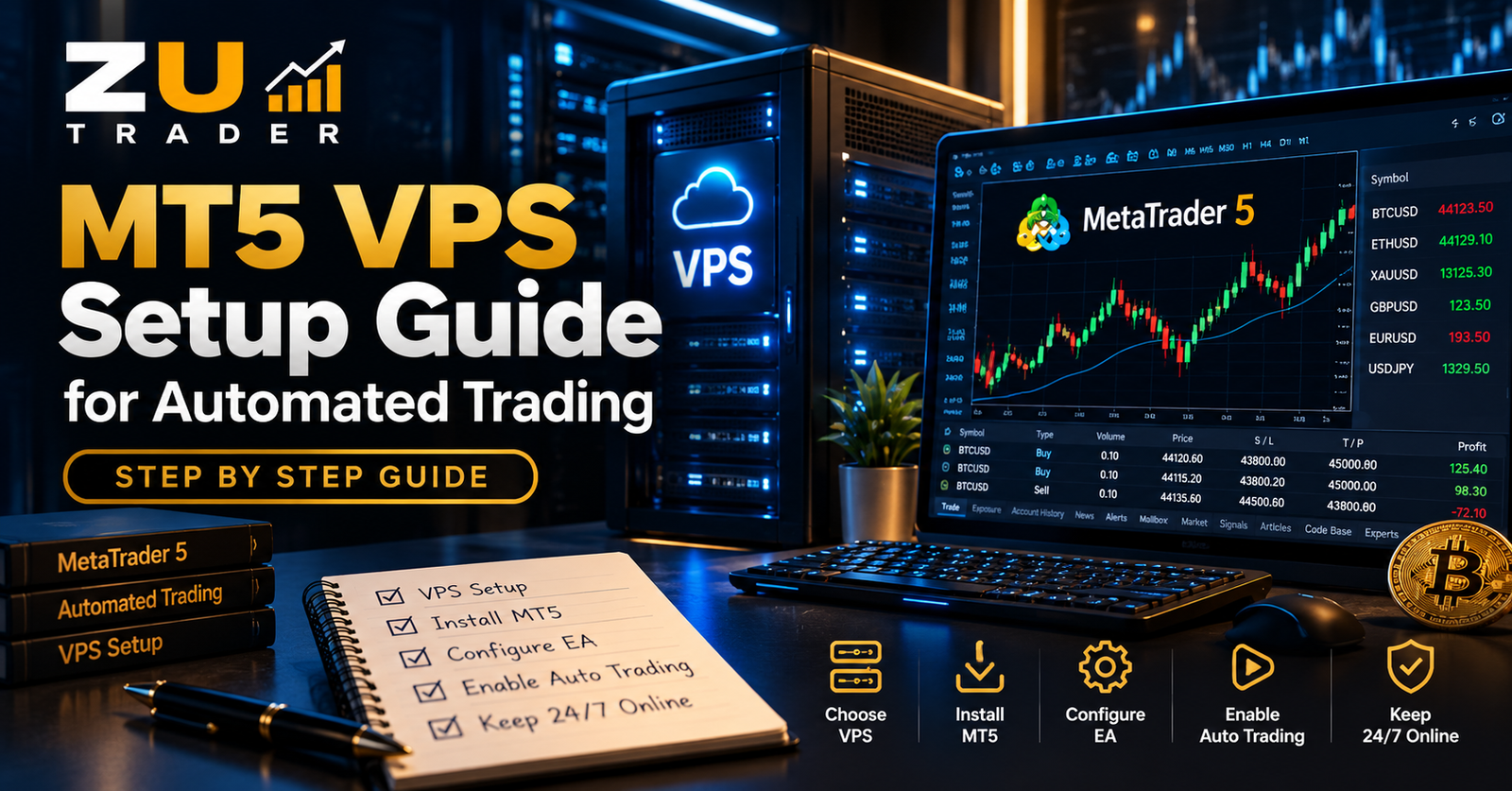
MT5 VPS Setup Guide for Automated Trading: Step-by-Step
Learn how an MT5 VPS supports automated trading, what to look for when choosing a VPS, and how to set up MetaTrader 5 and Expert Advisors for reliable 24/7 operation.

Complete Guide to Automated Trading on MT5: Expert Advisors, Risk Management, Backtesting & VPS
A complete guide to automated trading on MetaTrader 5, covering Expert Advisors, Gold and Bitcoin automation, risk management, backtesting, EA settings, VPS hosting, and system monitoring.

Gold vs Bitcoin Automated Trading on MT5: Key Differences Explained
Compare automated Gold and Bitcoin trading on MetaTrader 5, including XAUUSD vs BTCUSD market behavior, trading hours, volatility, EA configuration, risk management, and testing.