Complete Guide to Automated Trading on MT5: Expert Advisors, Risk Management, Backtesting & VPS
A complete guide to automated trading on MetaTrader 5, covering Expert Advisors, Gold and Bitcoin automation, risk management, backtesting, EA settings, VPS hosting, and system monitoring.
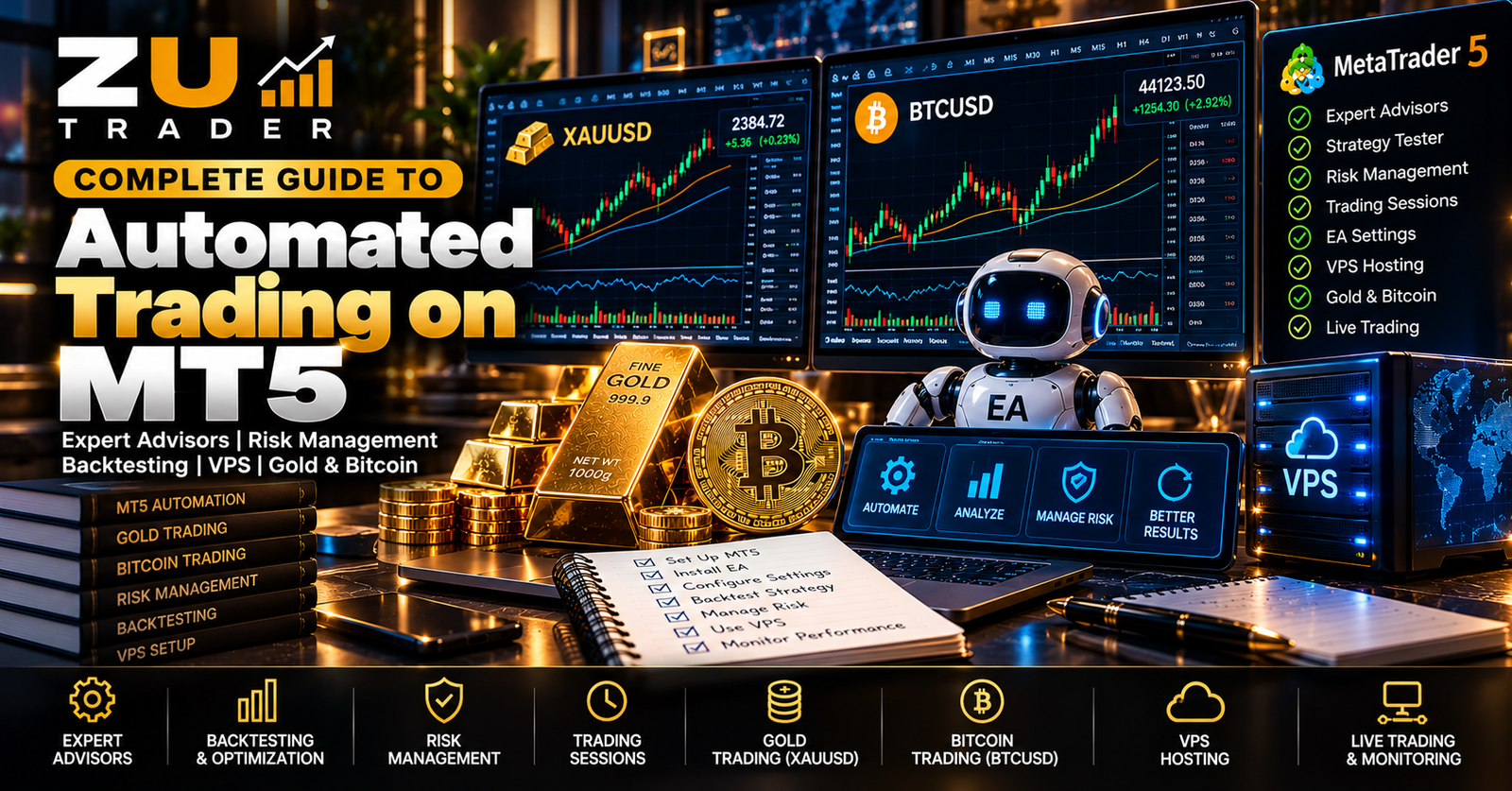
MetaTrader 5 provides a powerful environment for automated trading through software programs known as Expert Advisors.
An Expert Advisor can monitor market data, evaluate predefined trading conditions, manage positions, and perform programmed actions without requiring every decision to be entered manually.
However, successful technical operation involves much more than simply installing an EA and enabling automated trading.
Users need to understand how Expert Advisors work, how risk is controlled, how strategies are tested, how broker conditions can affect operation, and how MetaTrader 5 can remain available when continuous monitoring is required.
This complete guide brings together the key concepts behind automated trading on MT5.
What Is Automated Trading on MT5?
Automated trading uses software to perform predefined trading tasks.
On MetaTrader 5, this is commonly achieved through Expert Advisors, also known as EAs.
Depending on its design, an EA may:
- Monitor market prices
- Analyze technical conditions
- Identify predefined trading setups
- Open positions
- Manage existing positions
- Apply stop-loss and take-profit logic
- Control position sizing
- Restrict trading to particular conditions
- Close positions according to programmed rules
The exact behavior depends on the strategy programmed into the Expert Advisor.
Automation executes rules. It does not eliminate market uncertainty or financial risk.
What Is an Expert Advisor?
An Expert Advisor is a software program designed to operate within MetaTrader.
MT5 supplies market and account information, while the EA evaluates that information according to its programmed logic.
A simplified process can look like this:
- MT5 receives market data.
- The EA reads the relevant information.
- The strategy evaluates its programmed conditions.
- The EA waits if those conditions are not satisfied.
- If the required conditions occur, it may perform an allowed trading action.
- The system continues monitoring the market and any open positions.
For a more detailed explanation, read How Expert Advisors Work on MetaTrader 5.
Automated Trading vs Manual Trading
Manual trading places market analysis and trade execution directly in the hands of a person.
Automated trading delegates predefined parts of that process to software.
Potential advantages of automation include:
- Continuous monitoring
- Consistent execution of programmed rules
- Reduced repetitive manual work
- Faster evaluation of predefined conditions
- Ability to historically test compatible strategies
Manual trading provides greater discretionary control and allows a person to interpret situations outside a programmed model.
Neither approach guarantees better trading results.
Read our full comparison in Automated vs Manual Bitcoin Trading.
Markets That Can Be Automated
The instruments available for automated trading depend on the broker and the Expert Advisor.
ZU Trader's educational resources currently focus heavily on two markets:
- Bitcoin
- Gold
These markets have different characteristics and should not automatically use identical strategies or settings.
Automated Bitcoin Trading on MT5
Bitcoin can be available through MT5 brokers under symbols such as BTCUSD or broker-specific variations.
A Bitcoin Expert Advisor can monitor the instrument and execute its programmed strategy while MT5 remains operational.
Important considerations include:
- Correct Bitcoin symbol
- Broker specifications
- Strategy timeframe
- Position sizing
- Maximum positions
- Risk controls
- Testing
- Platform availability
Start with our How to Automate Bitcoin Trading on MT5 guide for a more detailed introduction.
Automated Gold Trading on MT5
Gold is commonly represented as XAUUSD, although symbol names can vary between brokers.
An automated Gold strategy may analyze XAUUSD market information and execute predefined trading logic through an Expert Advisor.
Important considerations include:
- Correct Gold symbol
- Intended timeframe
- Trading sessions
- Position sizing
- Risk controls
- Broker specifications
- Historical testing
See How to Automate Gold Trading on MT5 for the complete Gold setup guide.
Gold vs Bitcoin Automated Trading
Gold and Bitcoin should not be treated as identical markets.
They can differ in areas such as:
- Market structure
- Trading availability
- Volatility
- Broker specifications
- Session behavior
- Strategy configuration
An EA designed for one instrument should not automatically be assumed to work appropriately on another.
Read Gold vs Bitcoin Automated Trading on MT5 for a detailed comparison.
Risk Management in Automated Trading
Risk management is one of the most important areas to understand before evaluating an automated trading system.
Automation does not prevent losses.
A strategy can consistently follow its rules and still perform poorly under unfavorable market conditions.
Important risk considerations include:
- Position sizing
- Maximum simultaneous positions
- Total exposure
- Stop-loss behavior
- Exit logic
- Drawdown
- Additional-entry rules
Position Sizing
Position size affects the amount of exposure created by a trade.
Before using an EA, determine whether position size is:
- Fixed
- User-configurable
- Dynamically calculated
- Changed between positions
Do not assume that a larger position size is better simply because it can produce a larger historical profit.
Greater exposure can also create greater losses.
Multiple Positions and Total Exposure
Some automated strategies can open more than one position.
This makes total exposure particularly important.
Several individually small positions can collectively create significant market exposure.
When evaluating an EA, understand:
- Maximum open positions
- Additional-entry conditions
- Position-size changes
- Whether positions can be added during unfavorable movement
Evaluate the entire strategy rather than only the first trade.
Understanding Drawdown
Drawdown measures a decline from a previous account or strategy peak.
It provides important context when evaluating historical performance.
A strategy can show a positive final result while experiencing substantial declines along the way.
When evaluating a test, consider both performance and risk measurements.
For Bitcoin-focused risk concepts, see Bitcoin Trading Bot Risk Management.
For Gold, see Gold Trading Risk Management.
Configuring Expert Advisor Settings
Expert Advisors can provide different user-configurable parameters.
Depending on the software, these may include:
- Timeframe
- Position size
- Risk setting
- Maximum positions
- Trading sessions
- Stop-loss parameters
- Take-profit parameters
- Strategy controls
There is no universal configuration that is appropriate for every EA.
Settings should be understood according to the strategy being used.
Gold EA Settings
Gold strategies may include settings related to XAUUSD behavior, trading sessions, timeframe, position sizing, and risk controls.
Avoid copying settings blindly from another trader or another broker environment.
Our Best MT5 Settings for Gold Trading guide explains how to evaluate these parameters more carefully.
Trading Sessions
Some strategies restrict new entries to specific periods.
Gold market activity can vary across Asian, London, and New York market periods.
Session overlaps can also produce changing levels of activity and volatility.
However, there is no universally best session for every strategy.
Broker server time and daylight-saving differences should also be considered.
Read Best Trading Sessions for Gold (XAUUSD) on MT5 for a detailed explanation.
What Is Backtesting?
Backtesting applies a strategy to historical market data.
MetaTrader 5 includes a Strategy Tester for compatible Expert Advisors.
A historical test can provide measurements such as:
- Net result
- Total trades
- Winning and losing trades
- Profit factor
- Maximum drawdown
- Largest loss
- Average win
- Average loss
Backtesting is useful for analysis, but historical results cannot guarantee future performance.
How to Evaluate a Backtest
Avoid evaluating a strategy only by its final balance.
A stronger review considers several measurements together.
For example:
Net Result
Shows the overall historical outcome of the test.
Profit Factor
Provides information about the relationship between historical gross profit and gross loss.
Drawdown
Provides context about declines experienced during the test.
Total Trades
Shows the size of the historical trade sample.
Largest Loss
Can reveal unusually large individual losses.
Average Win and Average Loss
Help explain the relationship between typical profitable and losing trades.
For a step-by-step process, read How to Backtest a Bitcoin Trading Bot on MT5.
Avoid Over-Optimization
Repeatedly adjusting settings until an EA perfectly matches one historical period can create overfitting.
An over-optimized configuration may look excellent against selected historical data but behave very differently when market conditions change.
Instead of searching only for the largest historical profit, consider:
- Different market periods
- Drawdown
- Trade distribution
- Exposure
- Configuration stability
Historical testing should be used to understand strategy behavior rather than to manufacture a perfect-looking report.
Demo Testing
After historical evaluation, a demo account can help observe an EA with current market data without using real funds.
Demo testing can help verify:
- Installation
- Broker compatibility
- Symbol compatibility
- Position sizing
- Entry behavior
- Exit behavior
- Risk controls
- Trading frequency
- Platform stability
Demo conditions can differ from live execution, so demo results should not be treated as guaranteed live results.
Why a VPS Can Be Useful
An Expert Advisor running locally generally depends on MetaTrader 5 remaining available.
If the computer is switched off, MT5 closes, or connectivity is interrupted, the EA may no longer be able to perform its programmed tasks.
A Virtual Private Server can provide a remote environment where MetaTrader 5 remains available independently of a personal computer.
A VPS does not improve a trading strategy.
Its purpose is infrastructure and availability.
See our MT5 VPS Setup Guide for Automated Trading.
What to Look for in an MT5 VPS
Important considerations can include:
- Reliability
- Operating system compatibility
- CPU and RAM
- Storage
- Network connectivity
- Appropriate server location
- Security
The required resources depend on the number of MT5 terminals, charts, indicators, and Expert Advisors being operated.
Broker Compatibility
Broker conditions can affect automated trading.
Differences may include:
- Symbol names
- Contract specifications
- Minimum position sizes
- Spreads
- Trading schedules
- Execution conditions
- Account types
Always confirm that the Expert Advisor is compatible with the intended broker environment.
Monitoring an Automated Trading System
Automation should not be interpreted as "install and forget."
Periodically check:
- MT5 connection
- EA status
- Account information
- Open positions
- Closed trades
- Platform messages
- Risk settings
- VPS status where applicable
Monitoring helps identify technical problems and unexpected behavior.
Common Automated Trading Mistakes
Some common mistakes include:
- Using the wrong trading symbol
- Using an unsupported timeframe
- Selecting excessive risk settings
- Ignoring total exposure
- Evaluating only profit
- Ignoring drawdown
- Copying settings blindly
- Over-optimizing historical tests
- Assuming demo results guarantee future performance
- Failing to monitor MT5
- Running an EA in an unreliable technical environment
Understanding these issues can help users evaluate automated systems more carefully.
BTC Harvester for Bitcoin Automation
BTC Harvester is ZU Trader's automated Bitcoin trading system for MetaTrader 5.
It is designed to automate Bitcoin market monitoring and trade management using programmed trading engines and configurable controls.
Users interested in the software can review its features and licensing information on the BTC Harvester – Automated Bitcoin Trading Bot for MT5 page.
ZU Trader Gold Automation
ZU Trader also develops automated trading solutions focused on Gold markets.
Gold-focused systems should be evaluated according to their intended XAUUSD strategy, configuration requirements, risk controls, broker compatibility, and operating environment.
Visit the ZU Trader product catalog to review currently available Gold trading software.
Complete MT5 Automation Checklist
Before considering an automated trading setup ready for evaluation, check:
- MetaTrader 5 is installed correctly.
- Correct trading account is connected.
- Correct broker server is selected.
- Correct Gold or Bitcoin symbol is identified.
- Expert Advisor is installed correctly.
- Intended chart and timeframe are selected.
- Position sizing is understood.
- Maximum positions and total exposure are understood.
- Exit and risk controls have been reviewed.
- EA configuration has been documented.
- Historical testing has been reviewed where appropriate.
- Drawdown has been considered.
- Demo behavior has been observed.
- MT5 connectivity is stable.
- VPS availability is considered if continuous operation is required.
- The system is periodically monitored.
Final Thoughts
Automated trading on MetaTrader 5 combines trading strategy, software, risk management, testing, broker compatibility, and technical infrastructure.
Expert Advisors can continuously evaluate predefined conditions and execute programmed actions, but automation does not remove financial risk or uncertainty.
A more responsible evaluation process focuses not only on potential historical returns but also on drawdown, exposure, position management, configuration, technical reliability, and strategy behavior across different market conditions.
Whether an automated system focuses on Bitcoin, Gold, or another supported market, the same principle remains important:
Understand what the software does, understand the risk it takes, test it carefully, and monitor its operation.
Automated trading involves financial risk. Expert Advisors, backtests, demo results, optimization results, and historical performance cannot guarantee future trading results.
Related Articles
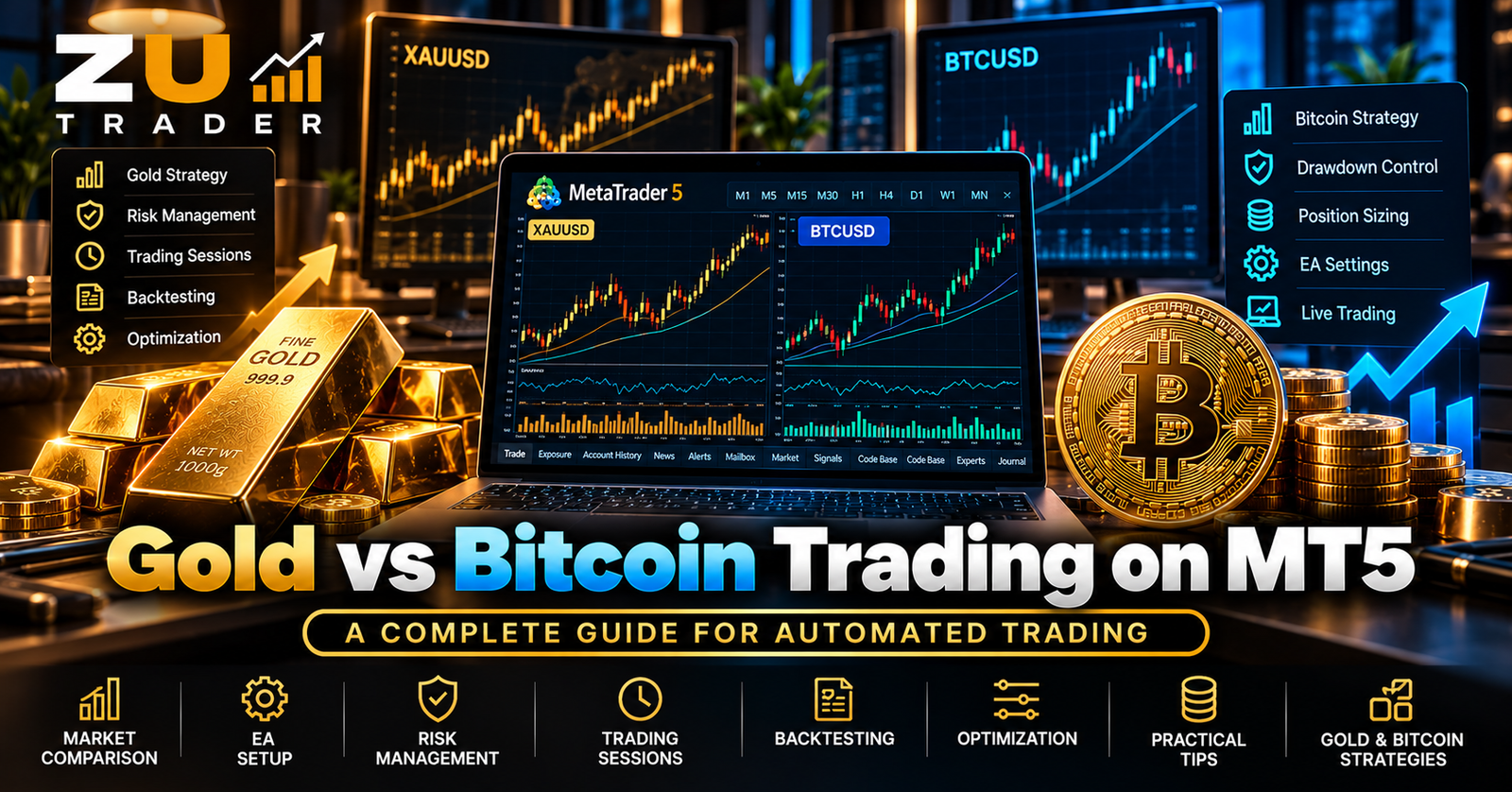
Gold vs Bitcoin Automated Trading on MT5: Key Differences Explained
Compare automated Gold and Bitcoin trading on MetaTrader 5, including XAUUSD vs BTCUSD market behavior, trading hours, volatility, EA configuration, risk management, and testing.
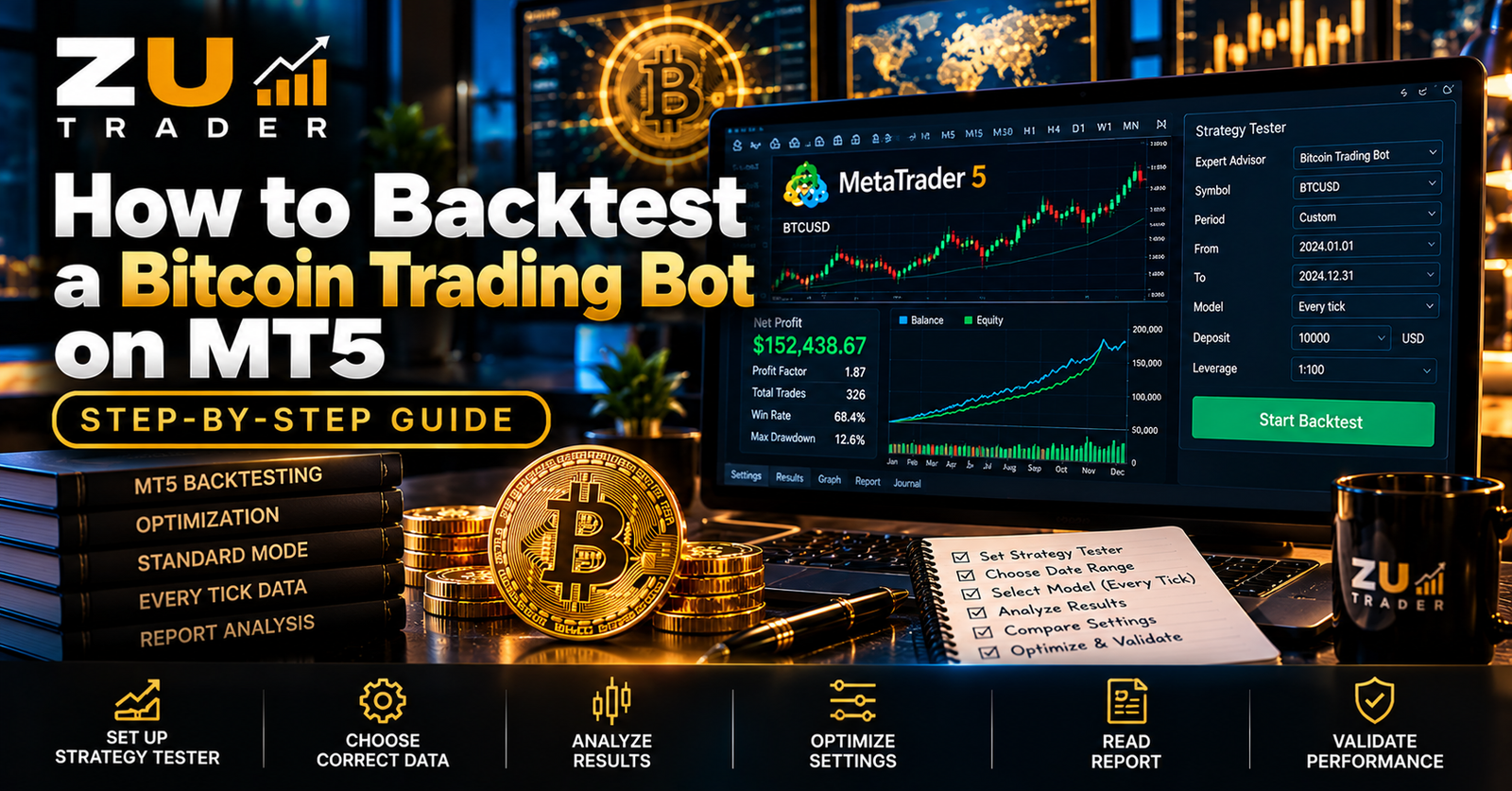
How to Backtest a Bitcoin Trading Bot on MT5: Step-by-Step Guide
Learn how to backtest a Bitcoin trading bot on MetaTrader 5 using the Strategy Tester, evaluate drawdown and profit factor, compare settings, and avoid common backtesting mistakes.
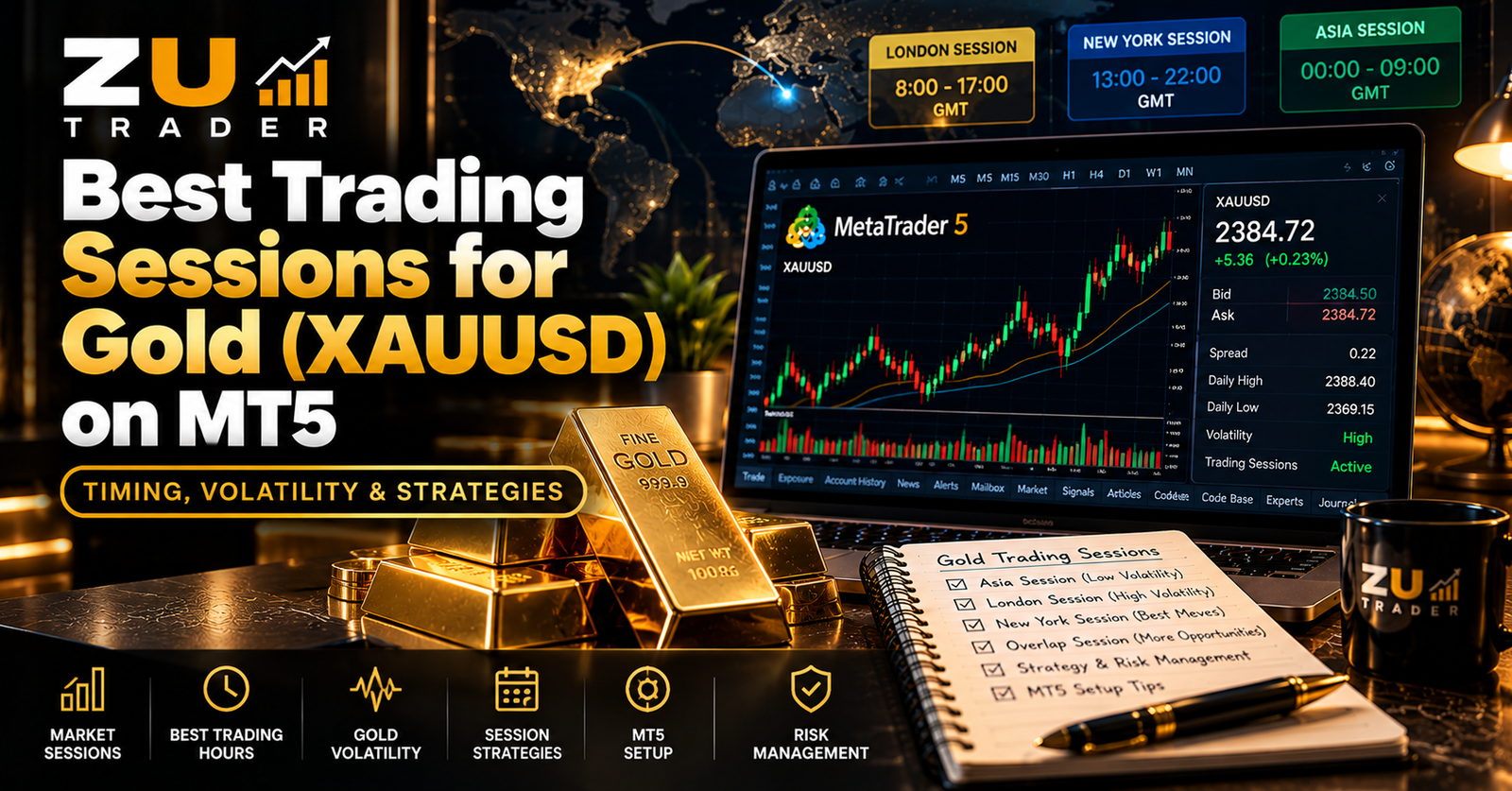
Best Trading Sessions for Gold (XAUUSD) on MT5: Timing and Volatility Explained
Learn how major trading sessions can affect Gold (XAUUSD) activity on MT5, including volatility, session overlaps, broker trading hours, and considerations for automated Gold trading.